# J'active mon compte

Pour activer votre compte UJM, cliquez [ici](https://cas.univ-st-etienne.fr/esup-cas/login?service=https%3A%2F%2Fintranet.univ-st-etienne.fr%2F_authenticate%3FrequestedURL%3D%252Ffr%252Findex.html%26CredentialProviderIndex%3D0) et suivez la procédure.
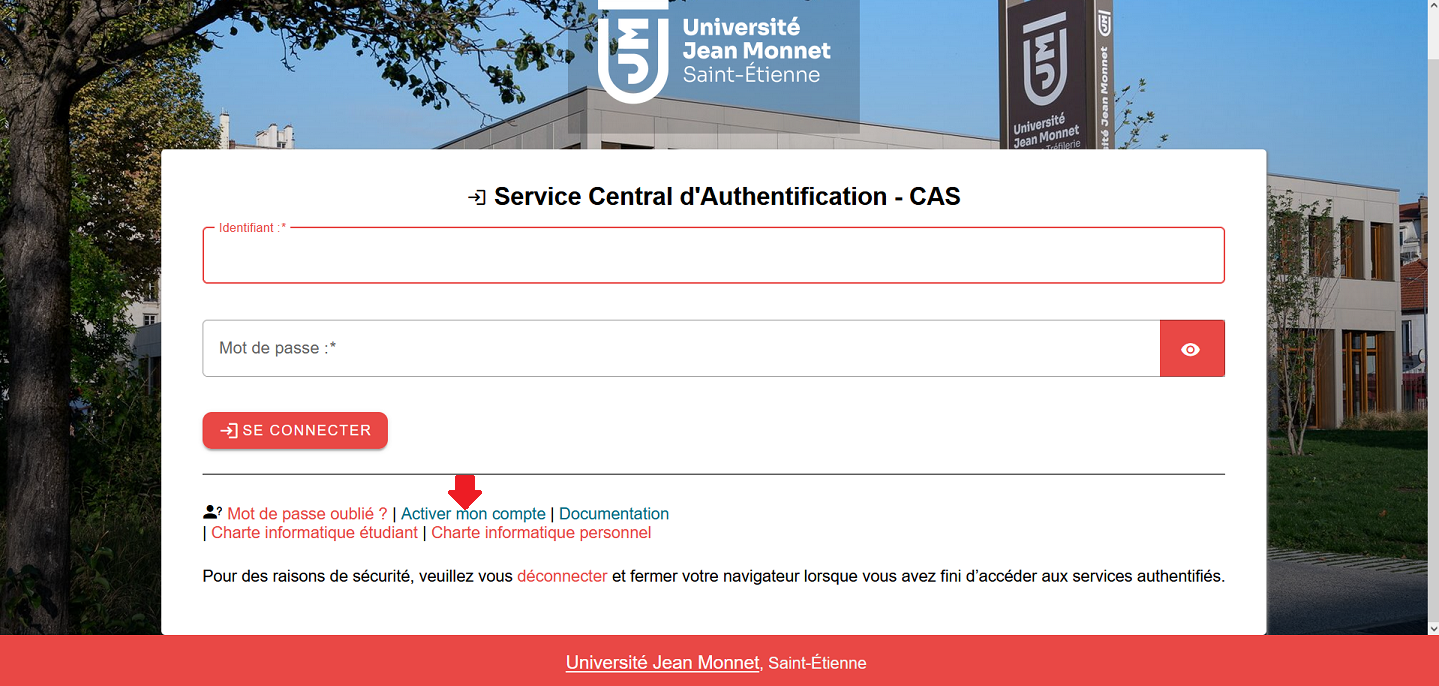
![cas étudiant.png](https://docs-servicesnum.univ-st-etienne.fr/uploads/images/gallery/2026-07/scaled-1680-/cas-etudiant.png)

<span style="color: rgb(0, 0, 0);">**Vidéo "Activation du compte et découverte de MyUJM (intranet UJM)"** </span><iframe allowfullscreen="allowfullscreen" class=" align-center" height="450" src="https://pod.univ-st-etienne.fr/video/3969-mon-arrivee-a-lujm-activer-mon-compte/?is_iframe=true" style="padding: 0; margin: 0; border: 0;" title="Mon arrivée à l'UJM - Activer mon compte" width="100%"></iframe>